

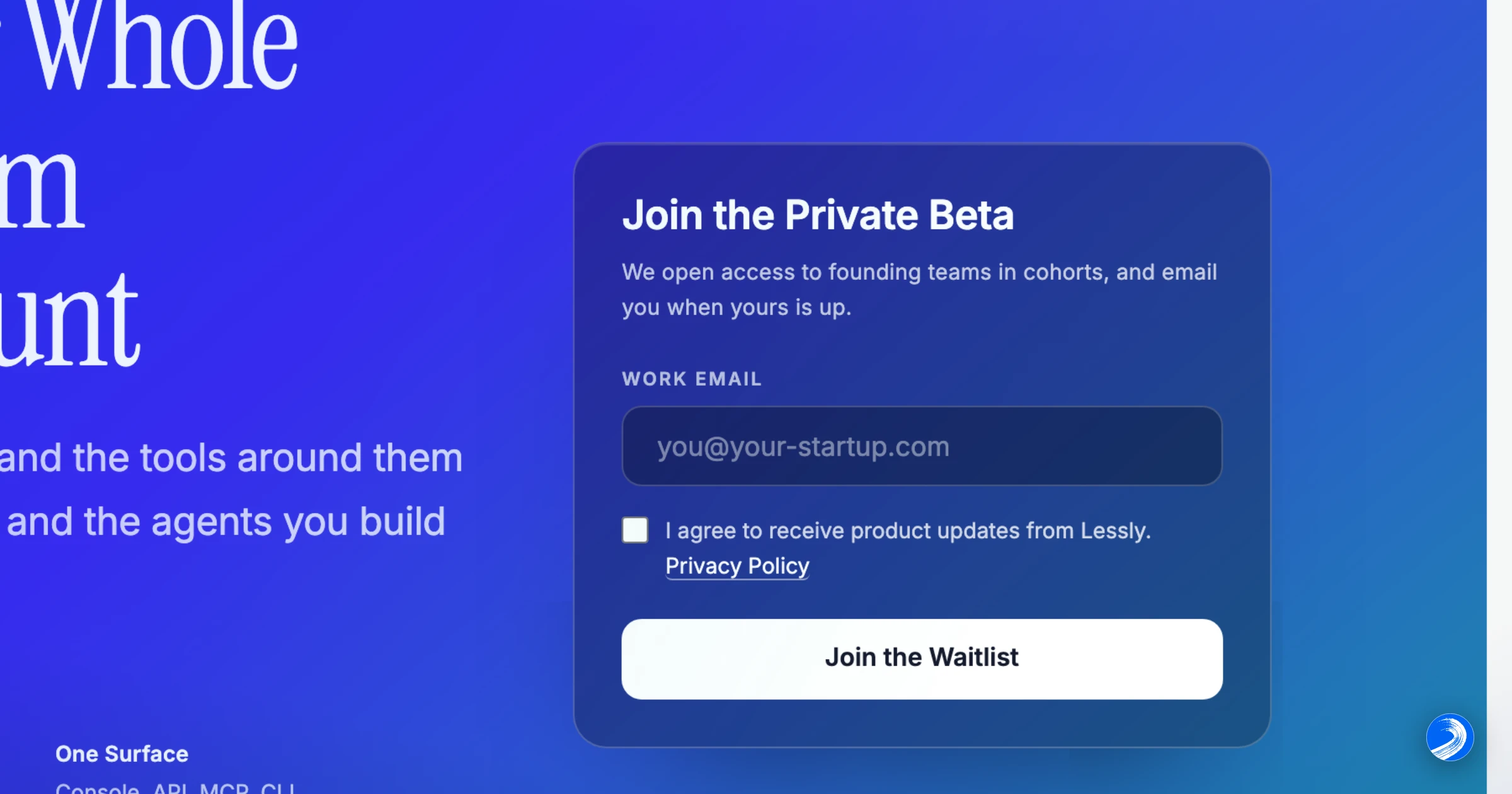
The managed waitlist is live
Run a waitlist
Teams with private-beta access can use Lessly to collect a waitlist for their own product and invite people when they are ready to open access.
Updated September 8, 2026 to reflect current capabilities. The publication date above is the original announcement date.
Set the product's signup mode to Waitlist in Users → Configuration, then use your own form or the embeddable widget. A signup records the person's email and consent, but gives them no way to sign in yet.
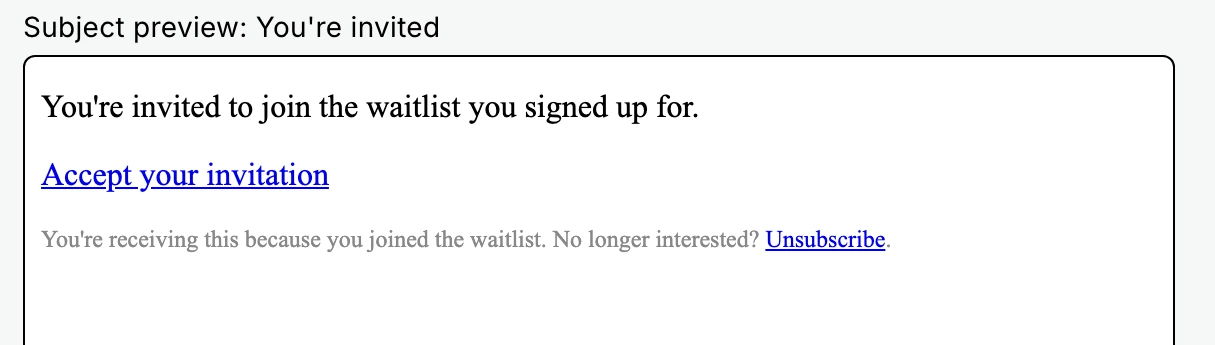
Select the people to invite in Users → Waitlist. Invitations go out in batches of up to 100; each recipient follows a single-use link to your signup flow. Changing signup mode to Public does not invite existing entries automatically. Follow the waitlist guide to configure the form and manage invitations.
Related posts
Building Lessly in the open
Follow along, and get early access to the private beta.