

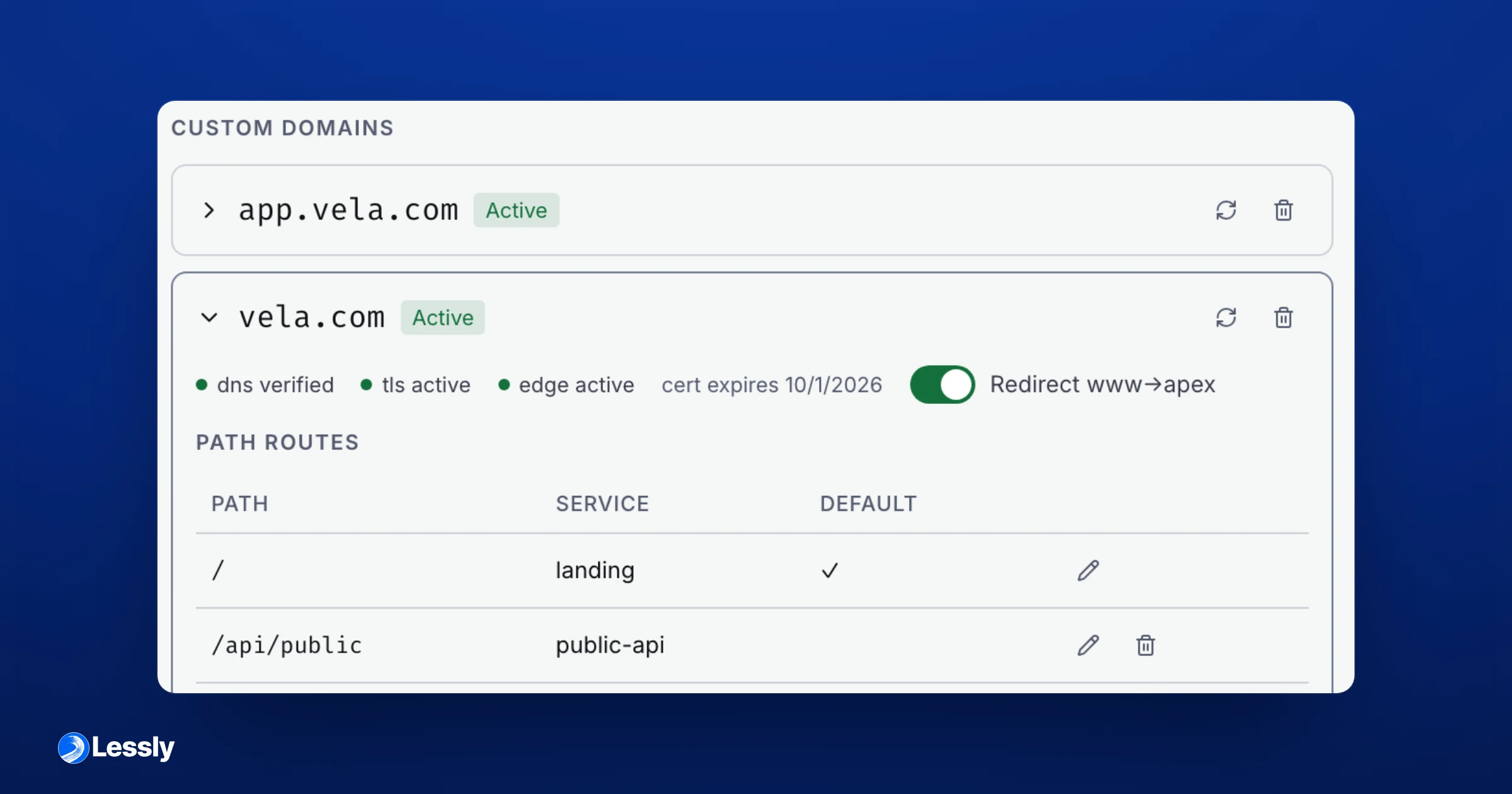
Cloudflare integration is live
Set up a product domain
Teams with private-beta access can connect Cloudflare to manage DNS records for their product's domains. An organization owner or admin installs the connection and attaches it to the product.
Updated September 8, 2026 to reflect current capabilities. The publication date above is the original announcement date.
Register the domain, then enable managed mode and select the connected Cloudflare account. The zone must already exist there: Lessly does not create zones or migrate nameservers. For a deployed service, follow the service domain guide to configure its routes.
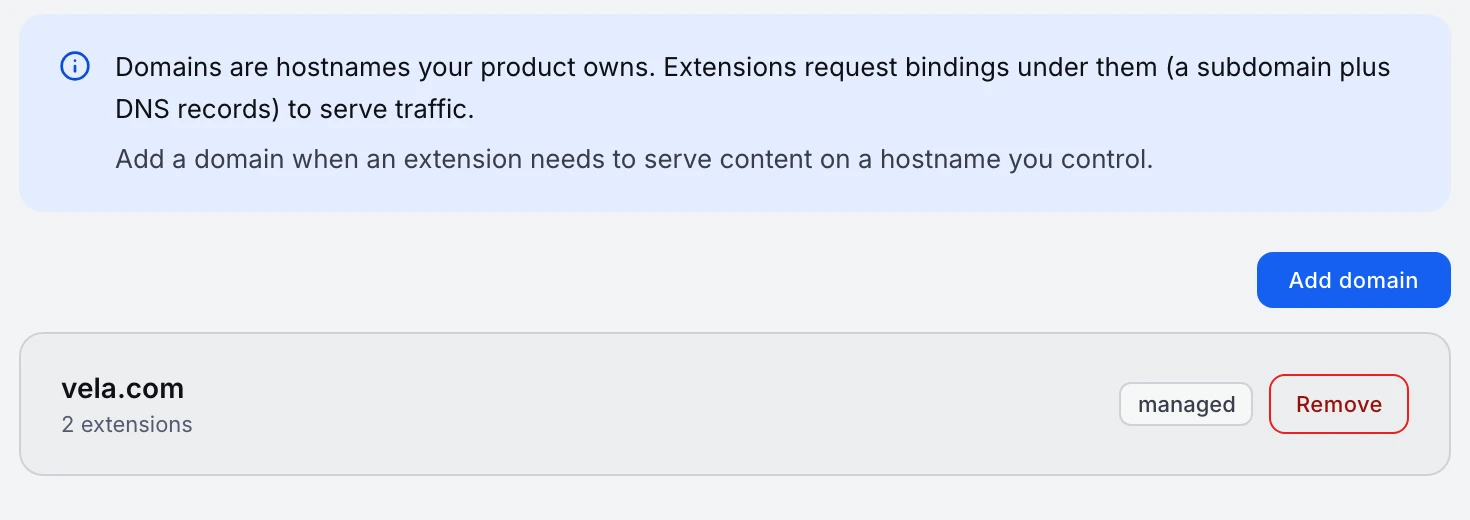
Removing a domain is blocked while any host is active. Switching back to external DNS management leaves existing Cloudflare records in place; it does not take the site offline. Read the domain guide before changing how a live domain is managed.
Related posts
Building Lessly in the open
Follow along, and get early access to the private beta.